
Your resume's first reader is a robot — here's how to write for it
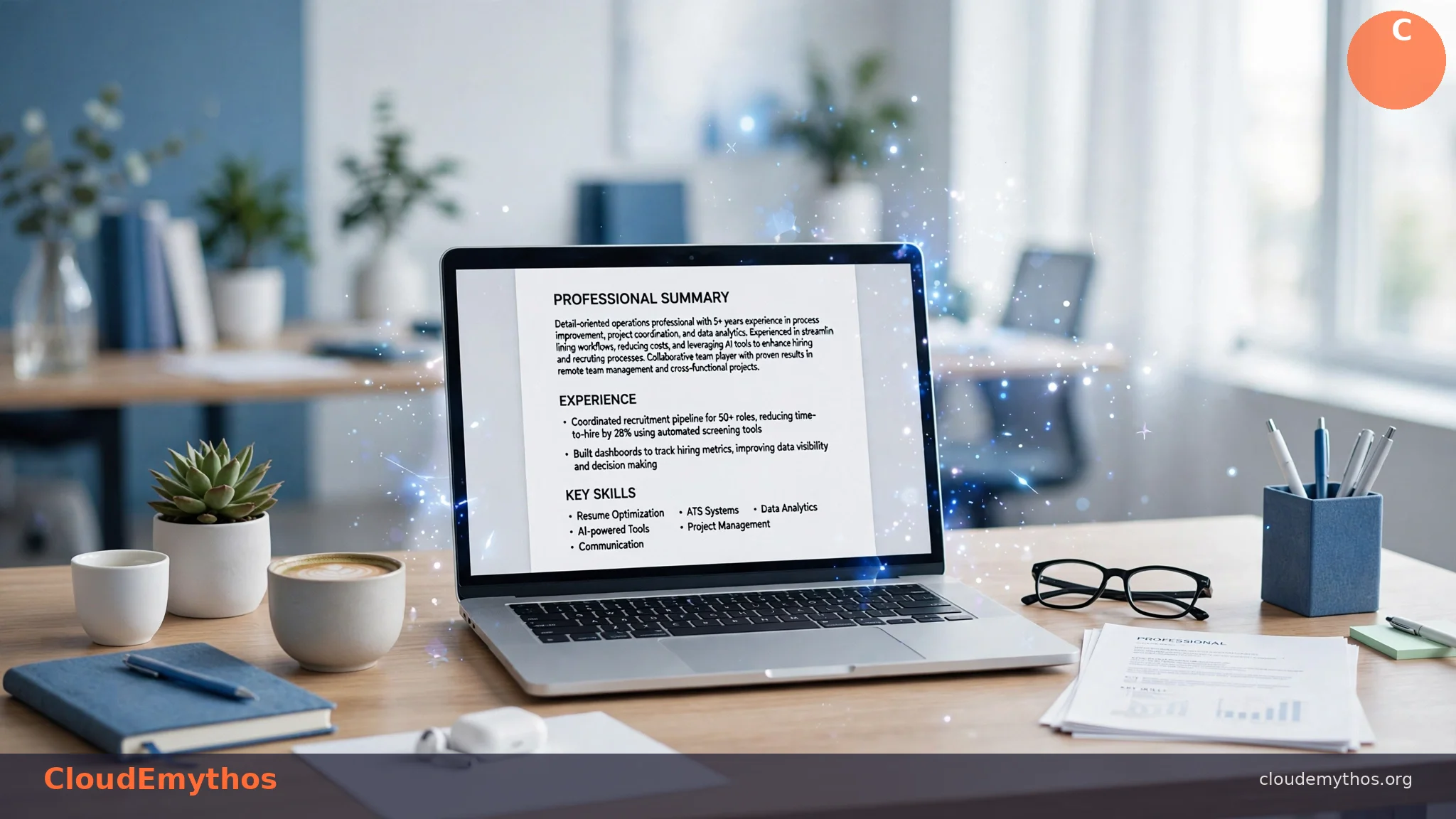
Here's the uncomfortable truth about job hunting in 2026: your resume will almost certainly be read by software before any human sees it. Applicant Tracking Systems (ATS) now screen out the vast majority of applications — industry research consistently puts the rejection rate at 75–80% or higher — based on keyword matching, formatting, and parsing before a hiring manager ever glances at your name. A beautiful resume that the ATS can't parse is a resume that never gets read.
This is where AI resume builders earn their keep. The best ones don't just make your resume look good — they optimize it for the machine reader first and the human reader second. This guide compares the leading options honestly: what each one actually does, what it costs, and which situations each is best for. No hype, no sponsored rankings.
⚡ The ATS Problem in Numbers
- 75–80%+ of resumes are rejected by ATS software before reaching a human recruiter (multiple industry surveys, 2024–2026)
- Keywords matter more than design: the algorithm scans for skills, job titles, and phrases from the job posting — fancy layouts often break its parser
- Formatting kills resumes: tables, text boxes, headers/footers, and graphics are frequently misread or skipped entirely by ATS parsers
- AI builders fix both problems: they generate keyword-optimized content AND use ATS-safe templates — the two things most job seekers get wrong
How ATS Actually Works (and Why Your Resume Fails)
An Applicant Tracking System is software that employers use to collect, sort, and filter job applications. When you hit "apply" on a job board or company site, your resume typically goes into an ATS first. The software parses your resume — extracting your name, contact info, work history, skills, and education into structured fields — and then ranks you against the job description, usually by keyword matching.
Here's what most people don't realize: the ATS doesn't care how your resume looks. It cares whether it can read it. The most common reasons qualified candidates get filtered out have nothing to do with their experience:
🚫 The Top Resume Killers
- Complex formatting: Two-column layouts, tables, text boxes, and graphics confuse parsers. Your experience section may be read out of order — or skipped entirely.
- Missing keywords: If the job posting says "project management" and your resume says "led initiatives," the algorithm may not connect the two. Exact-match keywords still dominate ATS scoring.
- Wrong file format: Some systems struggle with PDFs (especially image-based ones); others mangle .docx files. A clean, text-based PDF or Word doc is safest.
- Headers and footers: Many ATS parsers ignore content in headers and footers — which is exactly where people put their contact information.
- Non-standard section titles: "My Professional Journey" instead of "Work Experience" can cause the parser to miss your entire job history.
The good news: every one of these problems is fixable, and AI resume builders are specifically designed to fix them. They generate content with the right keywords and lock you into templates the parsers can actually read.
The Best AI Resume Builders Compared
We compared the five leading AI resume builders on what matters: ATS optimization, AI writing quality, pricing honesty, and real usefulness for job seekers. Pricing below reflects publicly listed plans as of October 2026 — verify current pricing on each vendor's site before paying, as these change frequently.
| Best for | Free tier | Paid plans (as listed Oct 2026) | |
|---|---|---|---|
| Teal | Overall job-search combo | Unlimited resumes, job tracking | ~$29/mo Pro (verify) |
| Kickresume | AI drafting from scratch | Limited free resumes | ~$4.50/mo billed annually (verify) |
| Rezi | Pure ATS optimization | Limited free tier | ~$29/mo or ~$149 lifetime (verify) |
| Jobscan | Resume-to-job matching | Limited free scans | ~$49.95/mo (verify) |
| Enhancv | Design + readability | Limited free tier | ~$16.50–39/mo (verify) |
Teal 🔥 BEST OVERALL
What it is: A full job-search platform, not just a resume builder. Teal combines AI resume writing with a job application tracker, so you can manage every application in one place.
Standout feature: Unlimited free resumes on the free tier, plus a Chrome extension that pulls job descriptions directly from job boards for keyword matching.
AI quality: Strong bullet-point rewriting and summary generation; keyword suggestions tied to specific job postings.
Honest caveat: The free tier is genuinely useful, but advanced AI features (like unlimited AI rewrites) sit behind the Pro paywall. If you're applying to many jobs, the tracker alone is worth using free.
Kickresume BEST VALUE
What it is: An AI resume builder with some of the strongest "write it for me" drafting in the category — give it your job title and it generates a full resume draft.
Standout feature: AI-generated first drafts from minimal input, plus 30+ ATS-safe templates.
AI quality: Among the best for generating resume content from scratch; particularly good for career changers who don't know how to phrase their experience.
Honest caveat: The annual plan is one of the cheapest in the category, but always edit AI-generated content — it can sound generic, and hiring managers can spot unedited AI text.
Rezi 🔥 BEST ATS OPTIMIZATION
What it is: A resume builder engineered specifically around ATS scoring — every template and AI suggestion is designed to maximize machine readability.
Standout feature: Real-time ATS score as you build, with specific suggestions to improve it.
AI quality: Less "creative" than Kickresume, more technical — its strength is keyword optimization and formatting compliance, not beautiful prose.
Honest caveat: The lifetime deal (~$149 as listed) can be good value if you'll job-hunt more than once, but verify it's still offered — lifetime deals come and go.
Jobscan BEST MATCH CHECKER
What it is: Less a builder, more a verifier — paste a job description, upload your resume, and Jobscan scores how well they match, with specific keyword gaps to fix.
Standout feature: The match-rate score against real job postings is the most actionable metric in this category.
AI quality: Its AI suggestions focus on closing keyword gaps rather than rewriting — a different (and complementary) job from the builders above.
Honest caveat: It's the priciest option here (~$49.95/mo as listed). It makes the most sense as a short-term subscription during an active job hunt, not an ongoing expense. Use the free scans first to see if the paid tier is worth it for you.
Enhancv
What it is: A resume builder that balances ATS safety with genuinely attractive design — proof that "ATS-friendly" doesn't have to mean ugly.
Standout feature: Design-forward templates that remain parser-safe, plus strong content suggestions.
AI quality: Good at turning bland job duties into achievement-oriented bullet points.
Honest caveat: Pricing tiers vary widely (~$16.50–39/mo as listed) — check which features are in which tier before subscribing. Best for roles where the human reader matters as much as the ATS (marketing, design-adjacent, client-facing roles).
Which One Should YOU Pick?
There's no single "best" — it depends on your situation:
- Applying to 10+ jobs (high volume): → Teal. The free unlimited resumes plus the application tracker make it the best system for managing a real job hunt, not just writing one document.
- One dream job, need it perfect: → Rezi (ATS score) + Jobscan free scan against that specific posting. Optimize ruthlessly for one target.
- Budget-constrained: → Kickresume (cheapest paid annual plan in the category) or Resume.org (fully free builder — fewer AI features, but genuinely free). Our free AI tools guide covers more no-cost options.
- Creative industries (design, marketing, media): → Enhancv for design-forward templates, or Canva — with one honest warning: Canva's beautiful templates are often NOT ATS-safe. Use Canva for the human reader (networking, portfolio sites) and an ATS-safe version for online applications.
- Career changer: → Kickresume. Its AI drafting is best at translating experience from one field into language another field understands.
And if you're using AI to level up your career more broadly — new skills, freelancing, side income — our guide to making money with AI covers realistic paths beyond the traditional job hunt.
Honest Warnings: The "Free" Traps
Not every "free resume builder" is honest about its pricing. Watch for these:
⚠️ Pricing Traps to Avoid
- Paywalled PDF downloads: Some builders (notably Resume Genius and Zety, per widespread user reports) let you build a full resume for free — then charge you to download it as a PDF. Always check whether download/export is free before you invest an hour building.
- "Free trial" credit card traps: Any builder asking for your card for a "free" trial should be treated with suspicion. Legitimate free tiers (Teal, Kickresume's free plan, Resume.org) don't require payment details upfront.
- Watermarked exports: Some free tiers stamp a watermark on your resume — unusable for real applications. Check the export before you apply anywhere.
- Auto-renewing monthly plans: Jobscan-style monthly subscriptions are designed for active job hunts. Set a calendar reminder to cancel when you land the job — or you'll pay for months you don't need.
A general rule: if a resume builder's pricing page is hard to find, that's information too. The tools recommended above all publish their pricing openly. Opaque pricing usually means the deal isn't good.
One more honest note: no AI builder replaces your judgment. AI can draft bullet points and suggest keywords, but you know what you actually accomplished. Always review AI-generated content for accuracy — inventing achievements on a resume is a fast track to getting fired later, and hiring managers in 2026 are increasingly skilled at spotting unedited AI text. For a broader comparison of the two leading AI assistants for writing help, see our ChatGPT vs Claude guide.
Frequently Asked Questions
Do AI resume builders actually beat the ATS?
They significantly improve your odds, but nothing guarantees it. The best builders use ATS-safe templates and keyword optimization — the two biggest factors in passing automated screening. But the ATS landscape varies by employer, and no tool can fix a genuine mismatch between your experience and the job requirements.
Is it cheating to use AI on my resume?
No — as long as everything on it is true. Using AI to phrase your real achievements well is no different from hiring a resume writer, which has been standard practice for decades. What crosses the line is inventing experience, skills, or credentials you don't have. AI is a writing assistant, not a fiction generator.
Which AI resume builder is actually free?
Teal offers unlimited free resumes with job tracking, and Resume.org is a fully free builder with fewer AI features. Kickresume and Rezi have limited free tiers. Always verify that PDF download/export is included free — some "free" builders charge at the download step.
Should I use one tool or two?
Two, if you're serious. Use a builder (Teal, Kickresume) for drafting and structure, then run the result through a checker (Jobscan, Rezi's ATS score) against the specific job posting. The 20 extra minutes catches keyword gaps and formatting issues that cost real interviews.
The ATS isn't your enemy — it's a filter, and filters can be passed. The job seekers winning in 2026 aren't the ones with the prettiest resumes; they're the ones whose resumes speak both languages: machine-readable enough to survive the algorithm, human-compelling enough to win the interview. Pick the tool that fits your situation, verify everything the AI writes, and apply with confidence.
More: 7 Realistic Ways to Make Money with AI | 10 Best Free AI Tools | ChatGPT vs Claude
Sources
- Teal — official site, tealhq.com (pricing and features, October 2026)
- Kickresume — official site, kickresume.com (pricing and features, October 2026)
- Rezi — official site, rezi.ai (pricing and features, October 2026)
- Jobscan — official site, jobscan.co (pricing and features, October 2026)
- Enhancv — official site, enhancv.com (pricing and features, October 2026)
- Toolchase.com — AI resume builder comparisons (October 2026)
- VentureBurn — resume tool roundups (2026)
Last updated: October 11, 2026. Pricing changes frequently — verify current plans on each vendor's official site before subscribing.

No comments:
Post a Comment